Prompts & the house style
Every model output Studio proposes - a shot list, a title card’s copy, a list of sound effects, the look of a character - starts from a prompt you can read and rewrite. There are three places prompts live: the system prompts that steer the LLM, the per-show character bible, and the prompts stored right in each episode’s manifest.
System prompts (the PROMPT_*.md files)
The local LLM’s instructions live as plain Markdown files under docs/_common/ in your checkout, and they’re surfaced in Studio’s Docstab so you can edit them without leaving the app. Changes take effect the next time you click the matching generate button - they’re re-read fresh each call.
| File | Steers |
|---|---|
| PROMPT_shot-list.md | Generate shot list (Video tab) - which character / b-roll shots play over each cue. |
| PROMPT_card-text.md + PROMPT_card-briefs.md | Title-card / lower-third / thumbnail copy (Graphics tab); the briefs add per-card-type guidance. |
| PROMPT_sfx-list.md | The sound-effect spotter (Audio tab) - reads the script as a radio play and places one-shots. |
| PROMPT_composition.md | HTML / animated-graphic composition generation. |
These read like a job description. The shot-list prompt, for example, opens by telling the model what kind of show it’s directing and the rule it cares most about - reuse before you mint:
You are the shot director for the show... For each cue (a spoken line)
you decide which visual shots play over it.

Rules:
- A shot is either a CHARACTER (a person, by key) or BROLL (by key).
- PREFER REUSING the existing character/broll keys you are given...
- Only MINT A NEW key when no existing key fits...
  give a short prompt CORE (nouns + 2-3 adjectives) -- do NOT include the
  black-and-white/grain style words (the pipeline appends those).
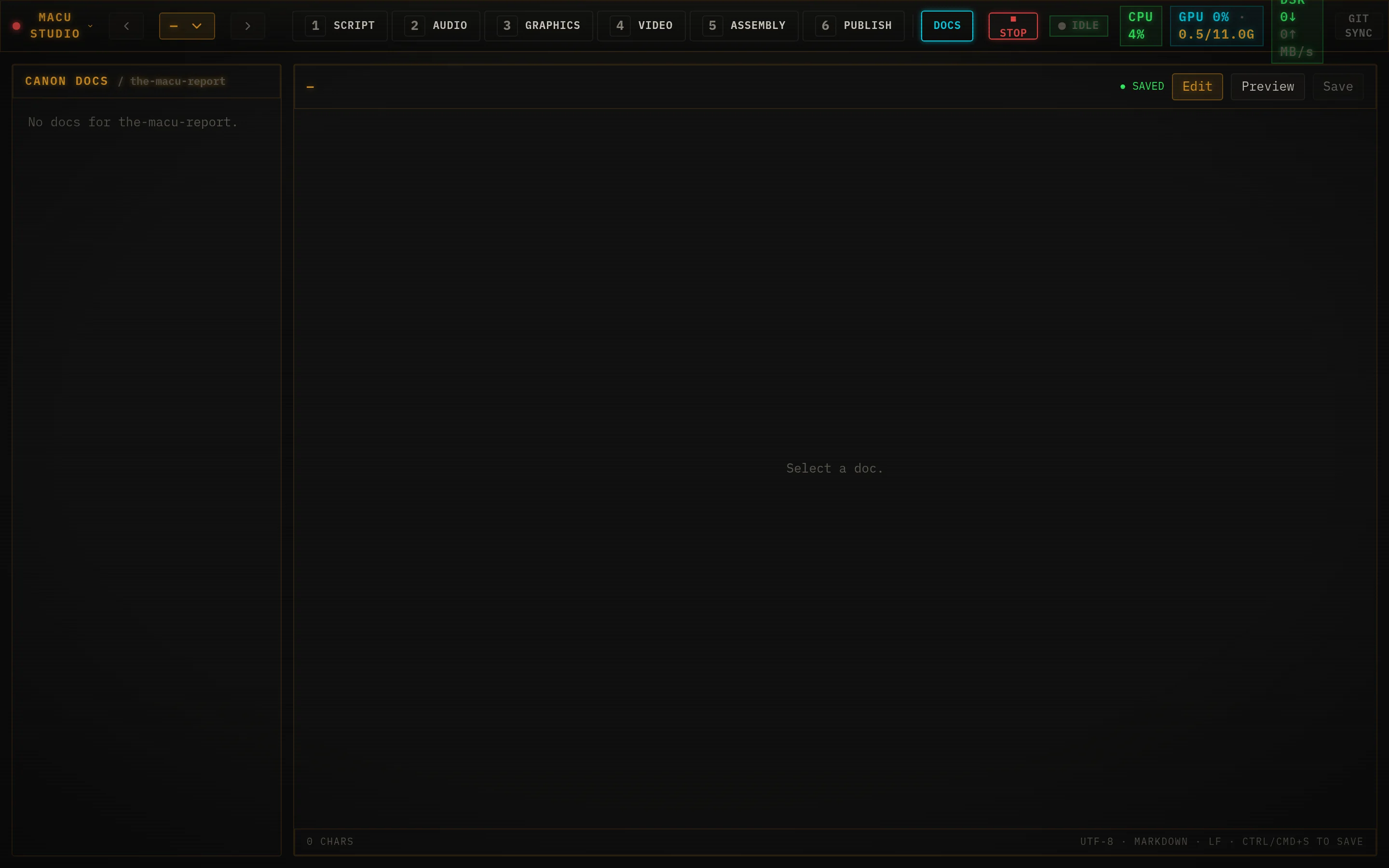
Alongside the prompts, the Docs tab also carries the reference files the same folder ships - Script_Style_Guide.md, MANIFEST_SCHEMA.md, and OmniVoice_Voice_Tips.md - so the rules are one click away while you work.
The character prompt bible
Each show has a Character Prompt Bible at docs/shows/<show-id>/*Character_Prompt_Bible.md. It’s handed to the shot-list and card-text generators so the model knows your cast - the recurring characters, their naming convention, and their visual and tonal archetypes. This is how “a shot of the anchor, annoyed” resolves to the right existing character key instead of inventing a stranger. Keep it current and the generators stay on-model; let it drift and they’ll guess.
Prompts in the manifest
The prompts that actually render the pictures live in the episode’s manifest.json- editable from the Video tab’s per-shot rows, or directly in the manifest drawer (the braces icon, top right). The key fields:
- characters[<key>].core- the artist-friendly description of a character pose (nouns + a few adjectives). Style words are appended automatically; don’t put them here.
- broll[<key>].prompt - the prompt for an environment / object shot (with an optional fixed seed).
- cues[].shots[].prompt - an optional per-shot override; if absent, the shot falls back to its character/b-roll prompt.
- style.suffix and style.negative - the house look, appended to every character and b-roll prompt before it hits the video model.
The default style strings for The MACU Report are what give it the black-and-white, worn-broadcast look - change these and you change the whole episode’s aesthetic in one place:
style.suffix:
  , black and white, grainy vintage analog television footage,
  1970s broadcast, retro futurism, low resolution, washed out, soft focus

style.negative:
  shutterstock, watermark, text, caption, logo, color, colour, modern,
  smartphone, digital screen, hd, 4k, sharp, blurry, low quality,
  distorted, deformed, mutated, extra limbs, extra fingers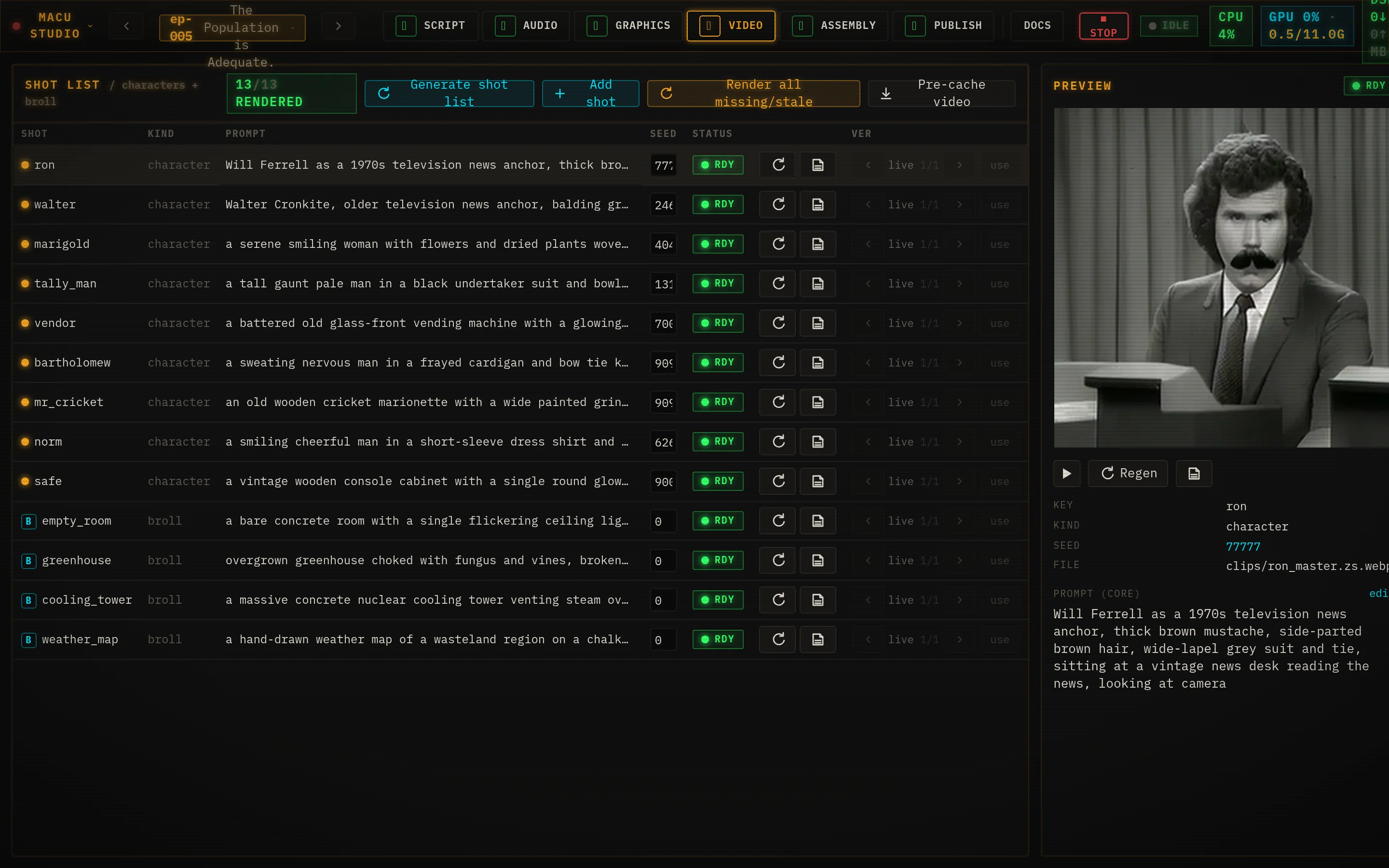
Voice prompts - OmniVoice instruct & speed
You also “prompt” the voices. OmniVoice takes an instruct field and a speed multiplier per generation:
- instruct is a constrained vocabulary - gender, age, pitch, accent, and whisper - notfree-text emotion. Asking for “warm” or “angry” is rejected. Drive emotion from the line’s text and punctuation instead.
- speed (default 1.0; lower is slower) is the right knob when the prosody is close but the pacing is off - reach for it before re-cloning.